

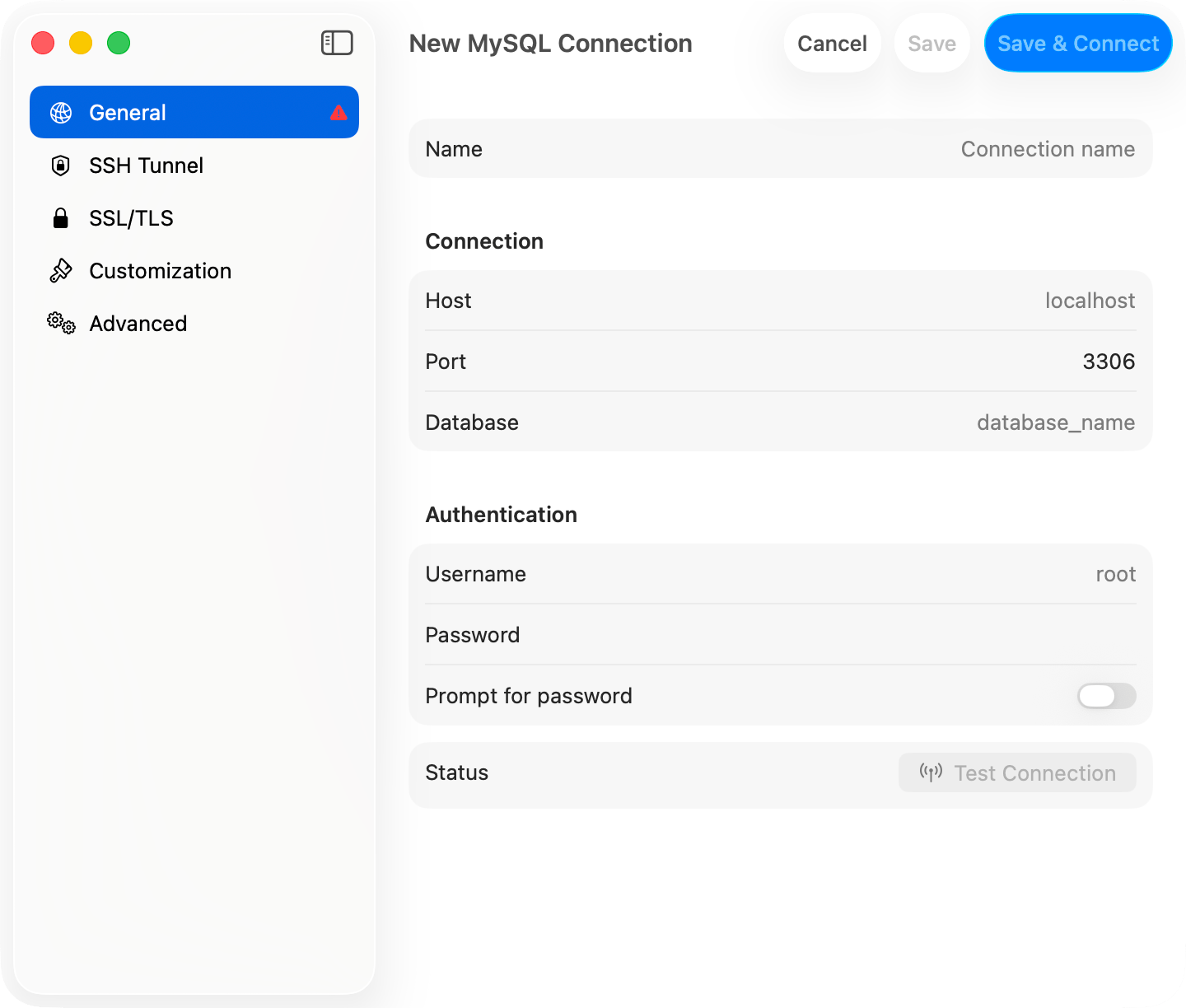
Connection form with sidebar navigation
Only one of SSH Tunnel, Cloudflare Tunnel, Cloud SQL Auth Proxy, and SOCKS Proxy can be on at a time. Turning on a second offers a button to switch off the first.
General
SQLite, DuckDB, and Beancount replace the host section with a file path picker.
Advanced
A pre-connect script never runs unprompted. A Pre-Connect Script alert shows the script itself and waits for Run Script, every time. At launch it is not prompted for at all: a restored window whose connection carries a script waits with a Connect button.
Startup commands
Statements split on semicolons and newlines and run in order on the connection that just opened, after every connect including an automatic reconnect. They all run on one connection, so write one dialect.Connection health
Every active connection is pinged every 30 seconds, skipping the ping while one of your own queries is running. A failed ping starts a reconnect at 2s, then 4s, 8s, doubling to a 120-second ceiling, and keeps going until the connection comes back or you close it. An authentication failure stops the retries and leaves the session in error. A reconnect rebuilds the tunnel, restores the selected database and schema, and re-runs the startup commands; the session reads as connecting throughout. SQLite, DuckDB, Beancount, Snowflake, and Teradata are not monitored.Which drivers get which panes
A driver with no SSL/TLS pane is either a local file or an HTTPS API that manages its own encryption. SSL/TLS has the per-driver defaults.