

Cmd+Shift+O in a connection window, type a few characters, and press Return. Matching is fuzzy, so usr finds users and user_settings, and the characters that matched are bold. File > Open Quickly… opens the same panel.
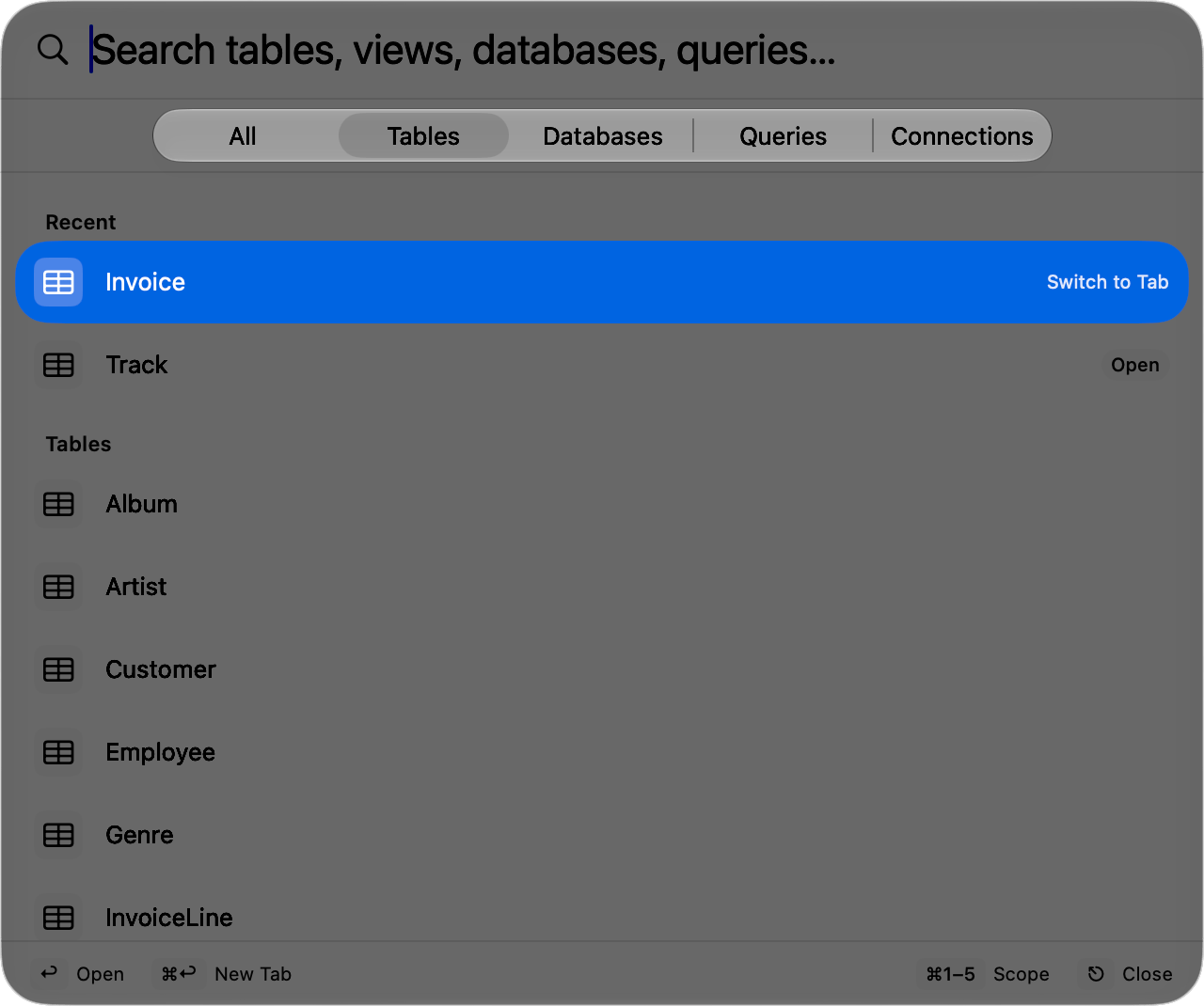
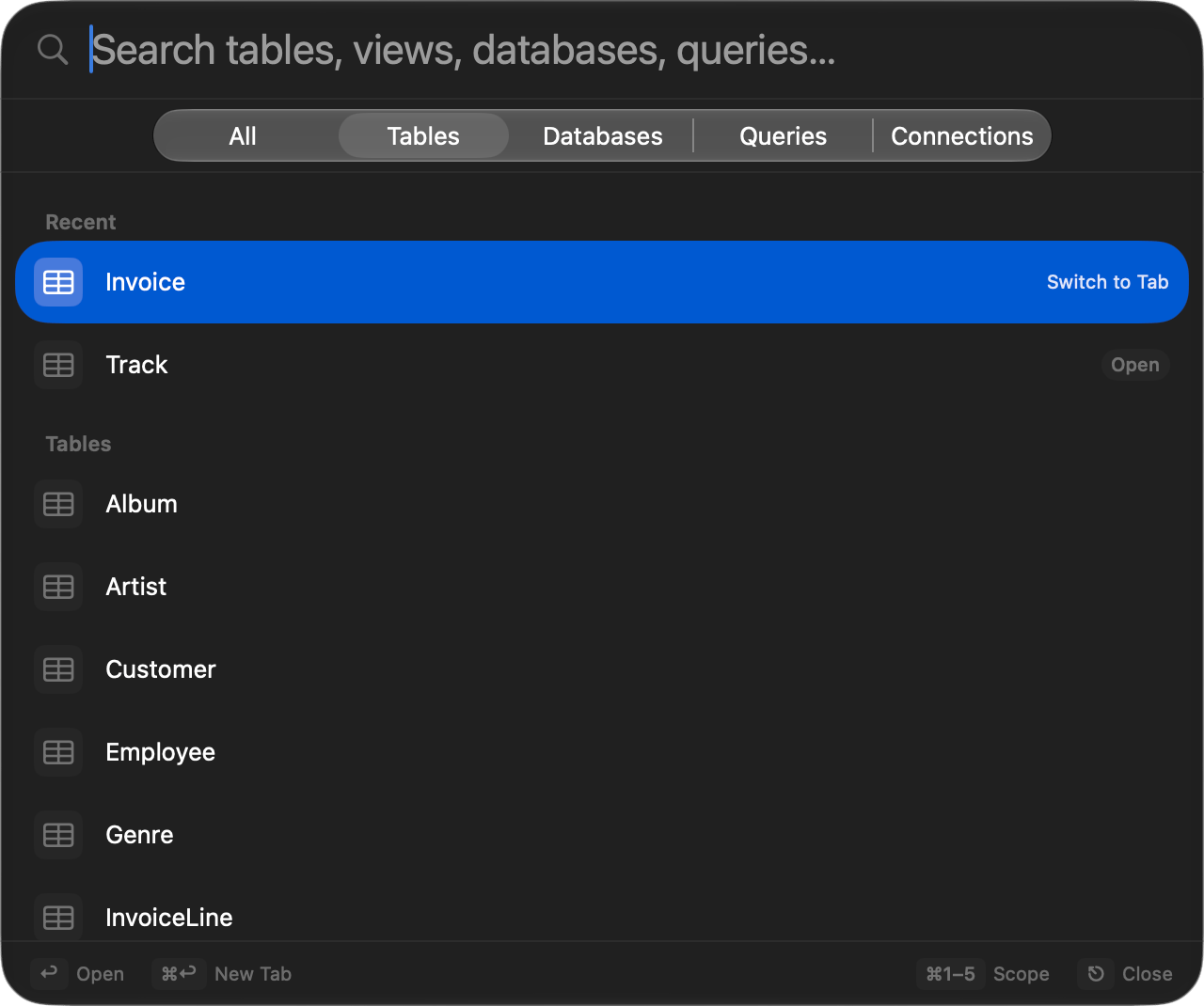
Open Quickly with fuzzy-matched results
Keys
The footer lists these as you go, and its
Escape hint reads Clear while you have text and Close once the field is empty. Rebind the opening shortcut in Settings > Keyboard.
Scopes
The segmented control under the search field sets the scope. It stays on screen, so switching scope after typing keeps what you typed.
Leave the search empty in any scope other than All and everything in it is listed under section headers. Saved queries come from your favorites and match on their keyword as well as their name, so a keyword you use in the editor reaches the query from here too.
Opening a table or view opens a table tab, a database or schema switches the connection to it, and a query loads into the SQL editor without running it.
Across connections
The Connections and Queries scopes reach into every connected window, and that catalog is read the first time you open one of them, not before. An empty search groups results under each connection’s name. Once you type, everything is ranked in one list and each row names the connection, database, and schema it belongs to; the path is matched too, so typing a connection’s name narrows the list to it. Opening a result brings that connection’s window forward. Queries holds your saved queries plus up to 200 recent ones, drawn evenly across connections rather than by raw recency, with execution times on the recent rows. Global saved queries open in the connection you opened the panel from, which stays listed even while it is reconnecting.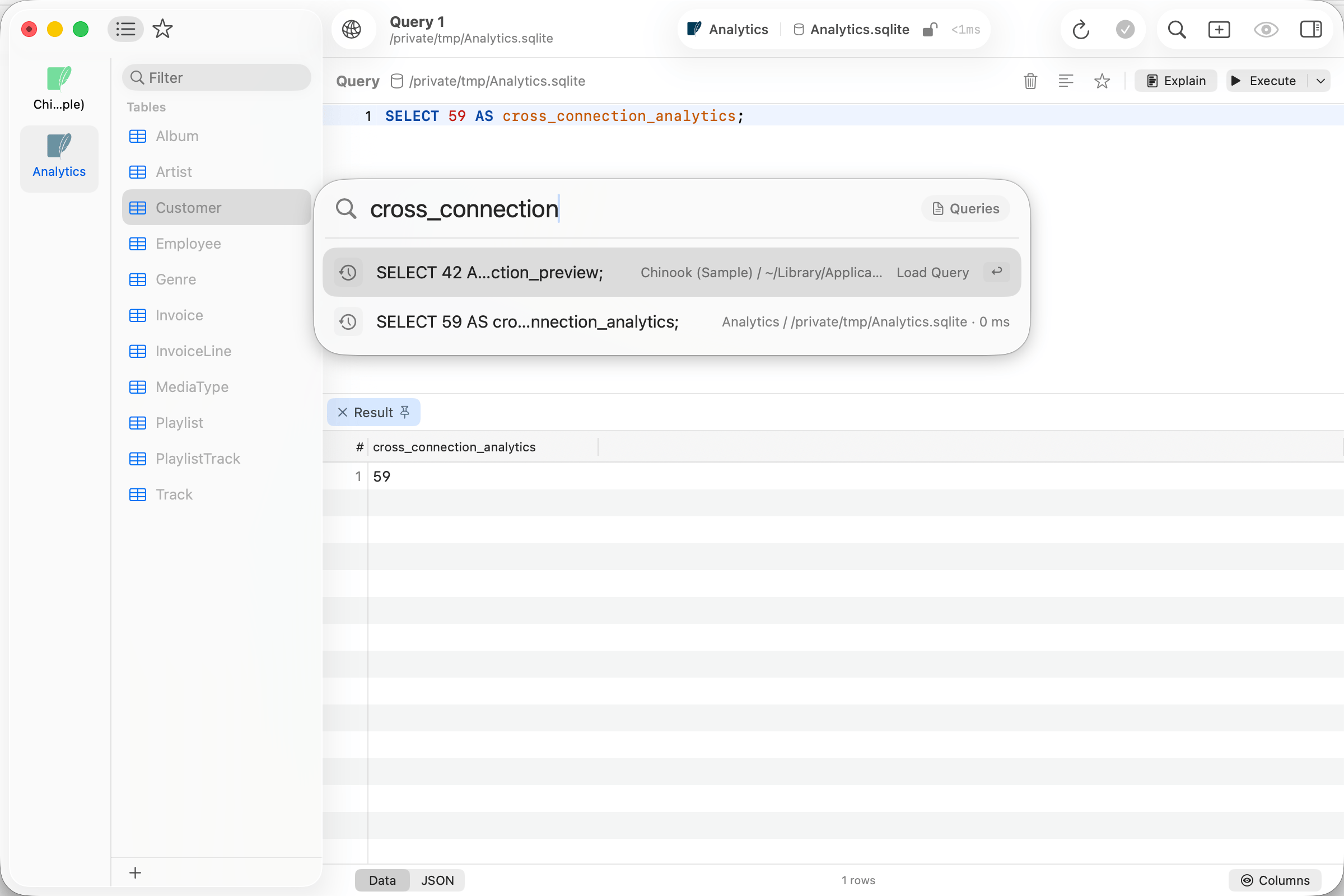
Query history results from two open connections
Cmd+Enter and Option+Enter always open a new tab.
Open badge
A table already open in a tab shows an Open badge, and the hint on the selected row reads Switch to Tab. Committing goes to that tab instead of opening a duplicate;Cmd+Enter and Option+Enter force a new one.
Ranking
An empty search shows Recent: the last 10 items you opened through the panel on this connection. Once you type, a match on the name beats a match on the connection and database path beside it, tables rank above other kinds, and anything you open often through the panel or already have open in a tab moves up. The list stops at 200 results.When a table is not listed
- The list covers the database the connection is browsing. To reach a table somewhere else, switch database first, then search again.
- The Databases scope offers only databases the sidebar’s database filter shows. Clear the filter with View > Show All Databases.
- The Connections scope covers connected windows only, and only the database each one is browsing.